Overlap Product Lab

Put your product in footage you’ve already shot.

Product Lab rebuilds the set in 3D from your own footage, lets you place a product in it, and renders it into the original frames with the room’s light and shadows. Everything else in the shot stays as it was filmed.

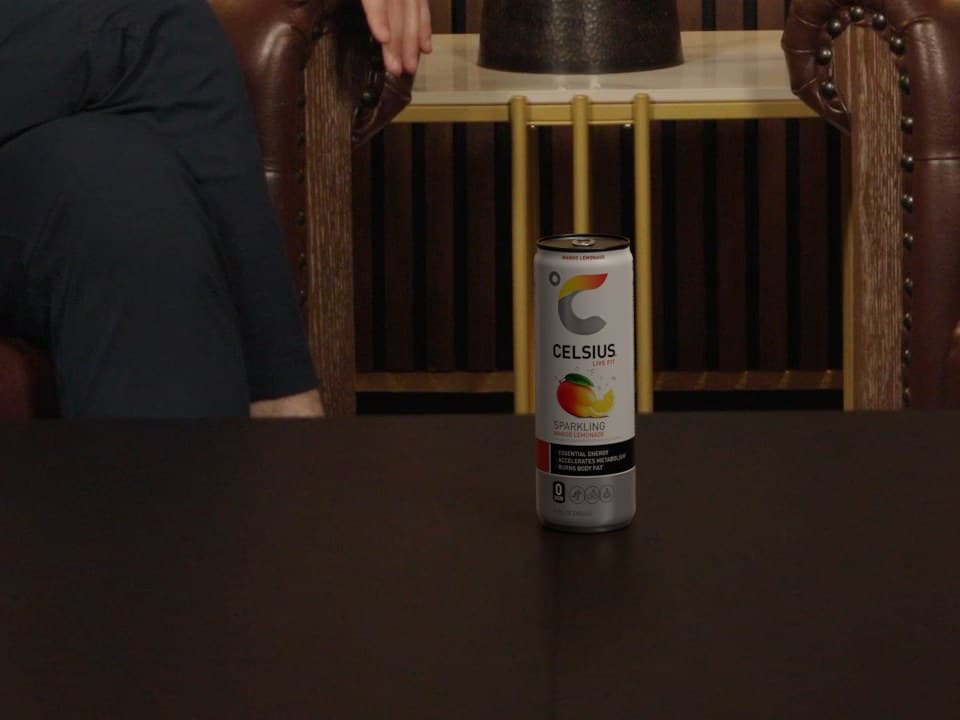
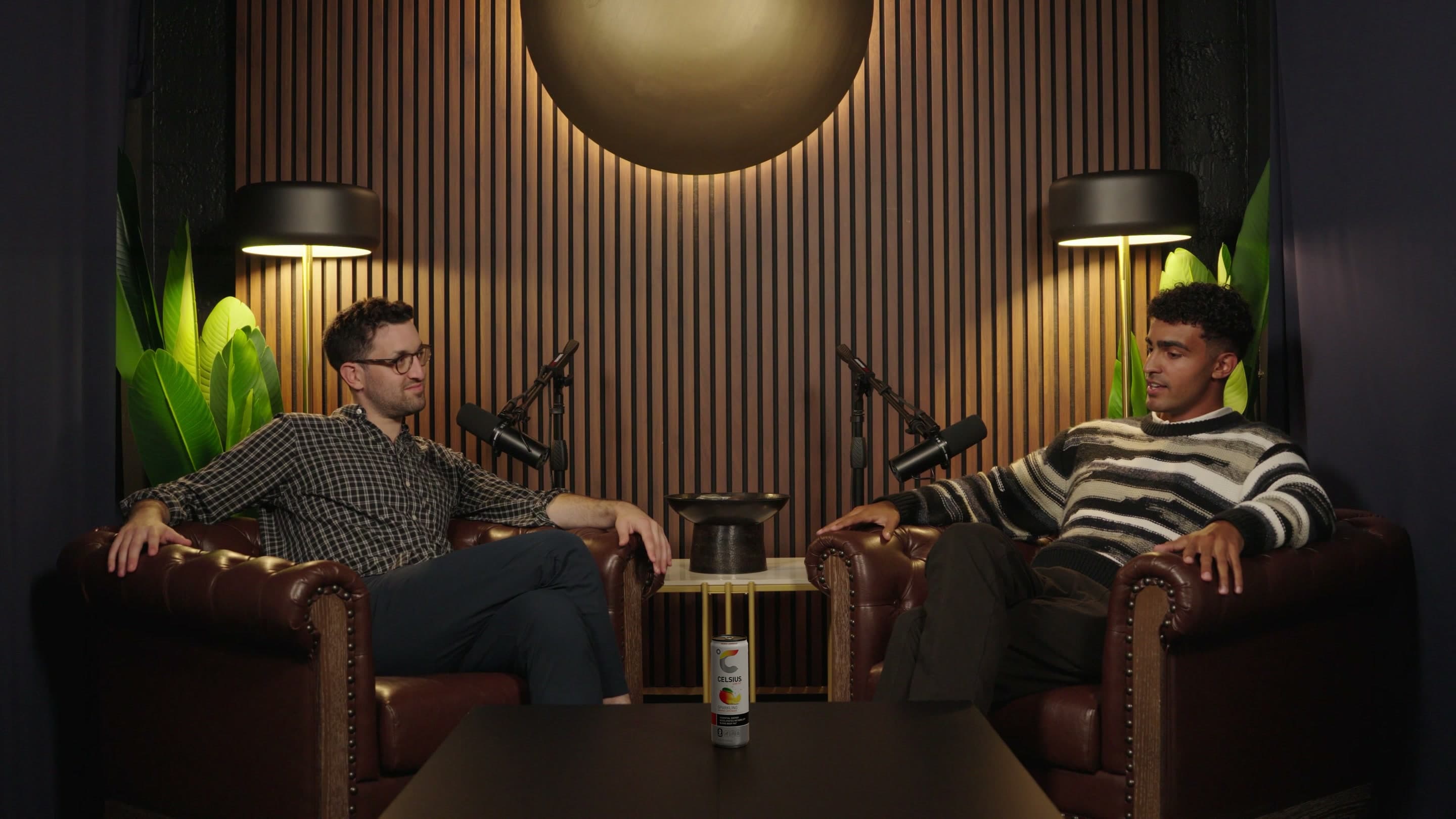
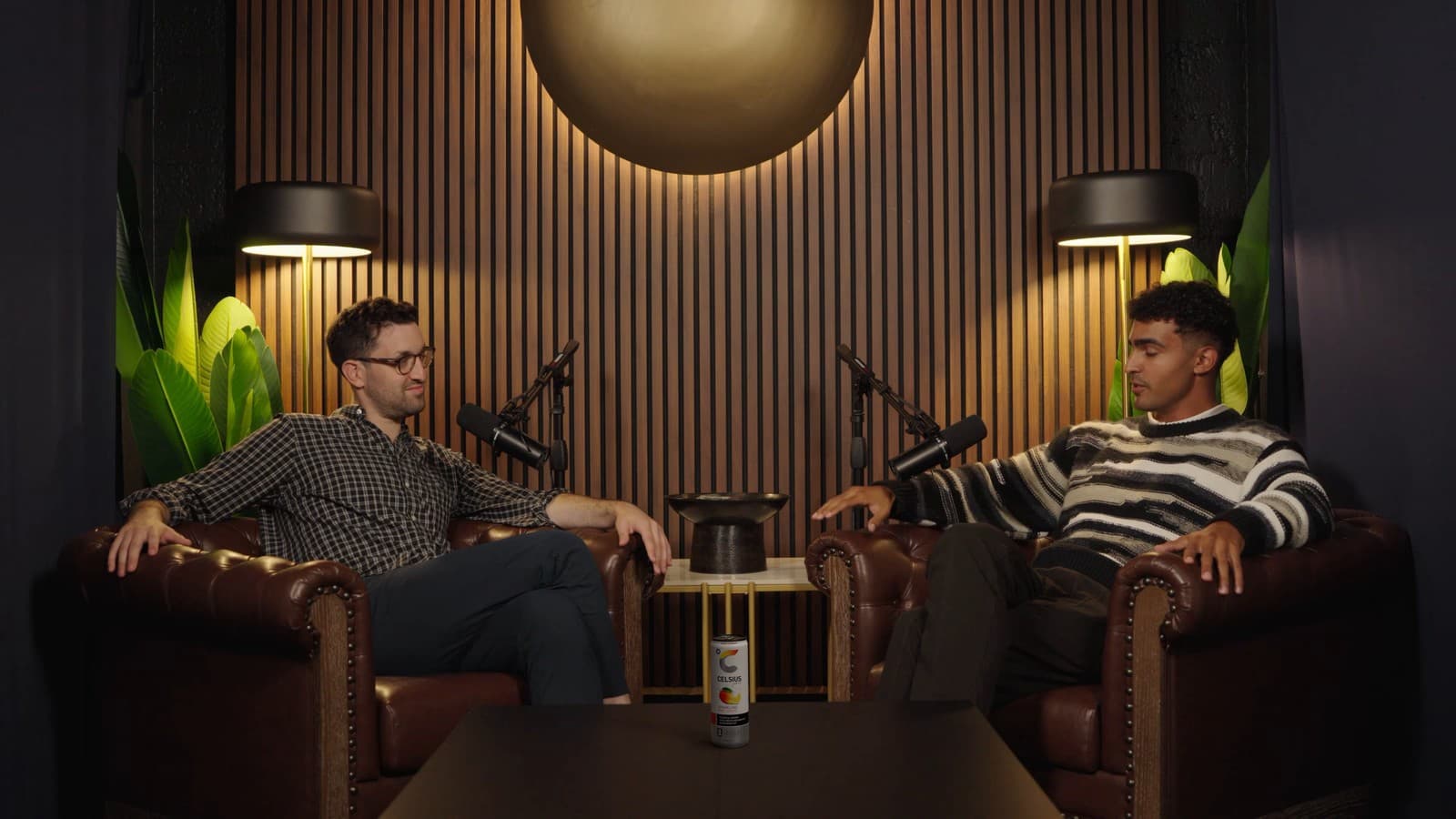
The same shot with a Celsius can standing on the table
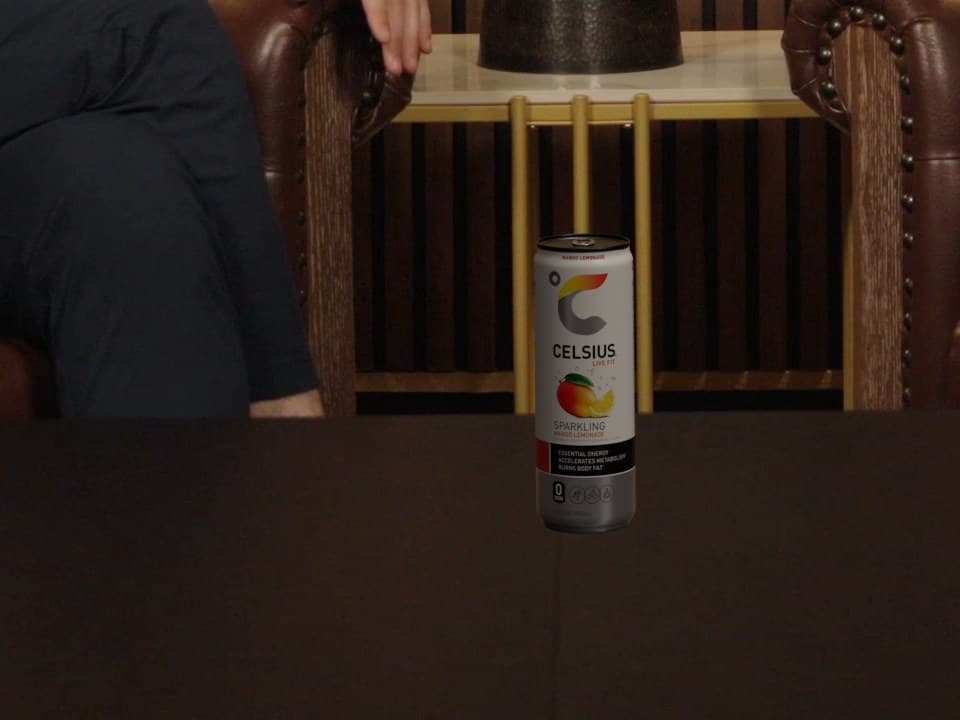
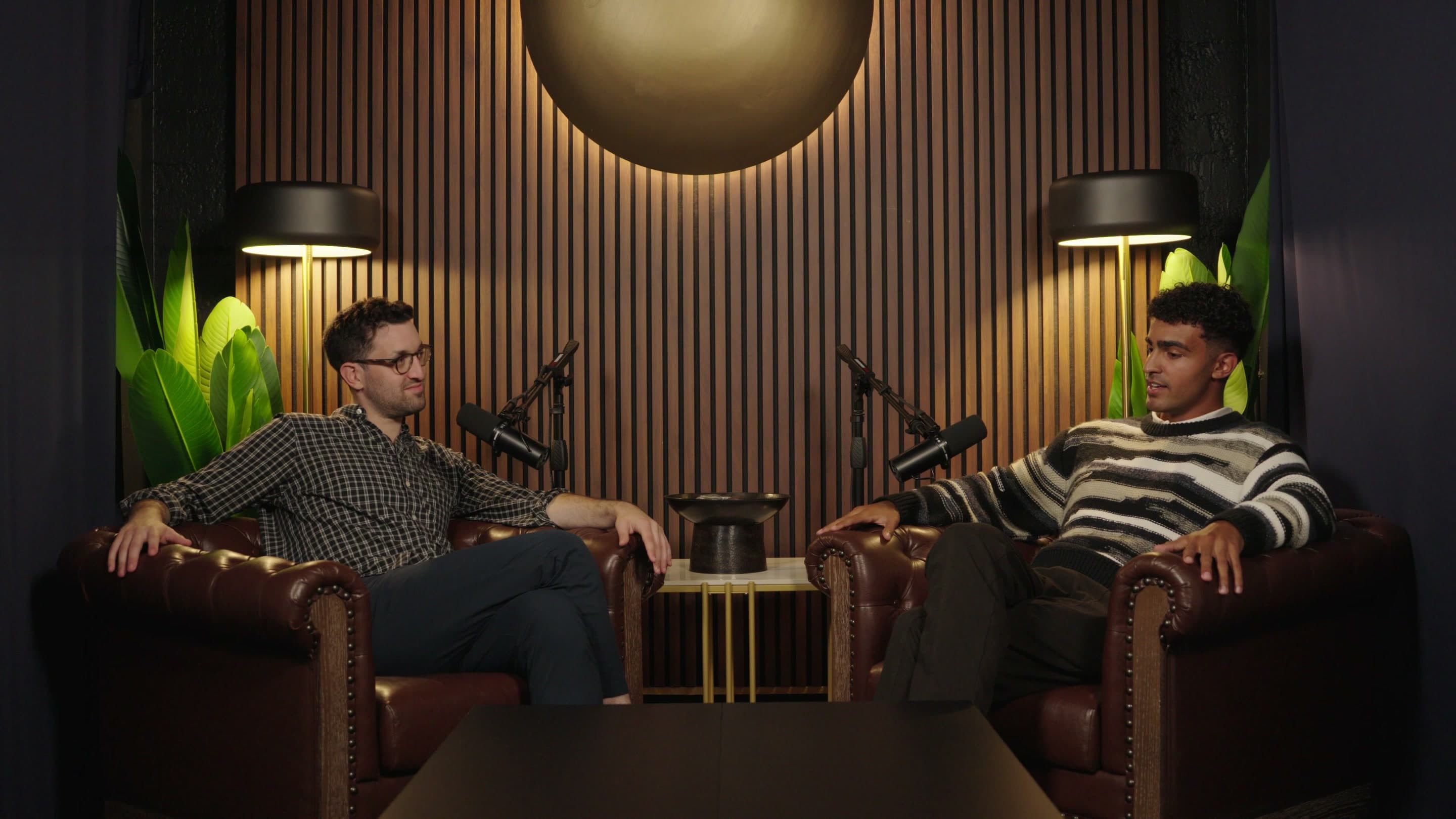
A podcast set with two hosts in leather armchairs and an empty table between them
The same take of a two-camera podcast set, with and without the placement. The can and its shadow are the only change.
World model

The set, rebuilt in 3D.

Before anything is placed, Product Lab reconstructs the room from your footage: the table, the chairs, the walls and the light falling on them. A product is positioned inside that scene, on a real surface and at real scale, rather than pasted over a flat frame.
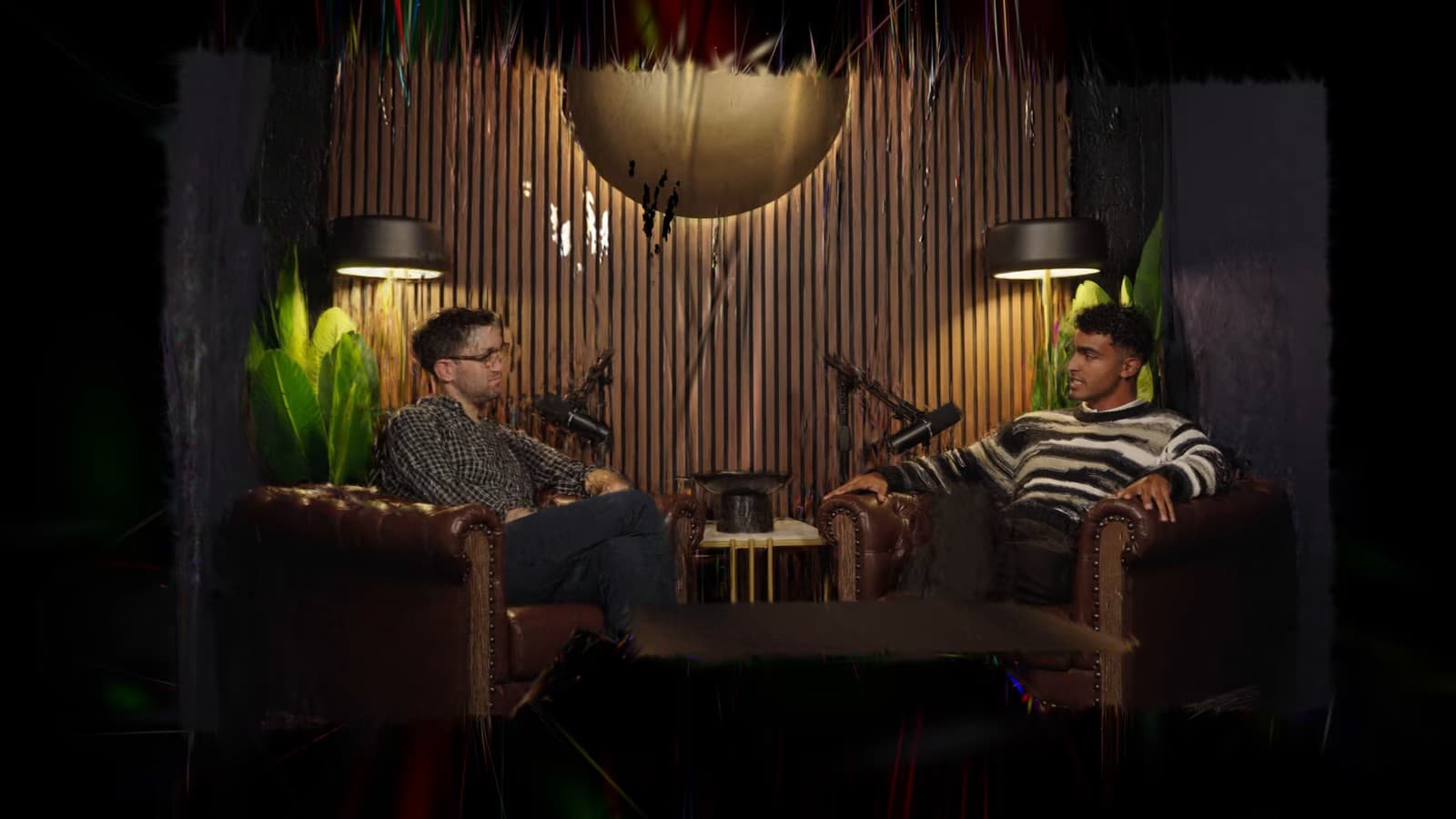
A 3D reconstruction of the podcast set, seen from an angle the cameras never shot
The wide shot opening into the rebuilt set and travelling to the close-up camera.
Placement

Only the product is new.

The product is composited back into the original frames at the source resolution. Nothing outside it and its shadow is regenerated, so the people, the set and the grade stay exactly as you shot them.

A Celsius can on the table of a podcast set
A Celsius can placed on the table of a podcast set, with a particle entrance and exit.
Light and shadow

Lit by the room. Shadowed on the real table.

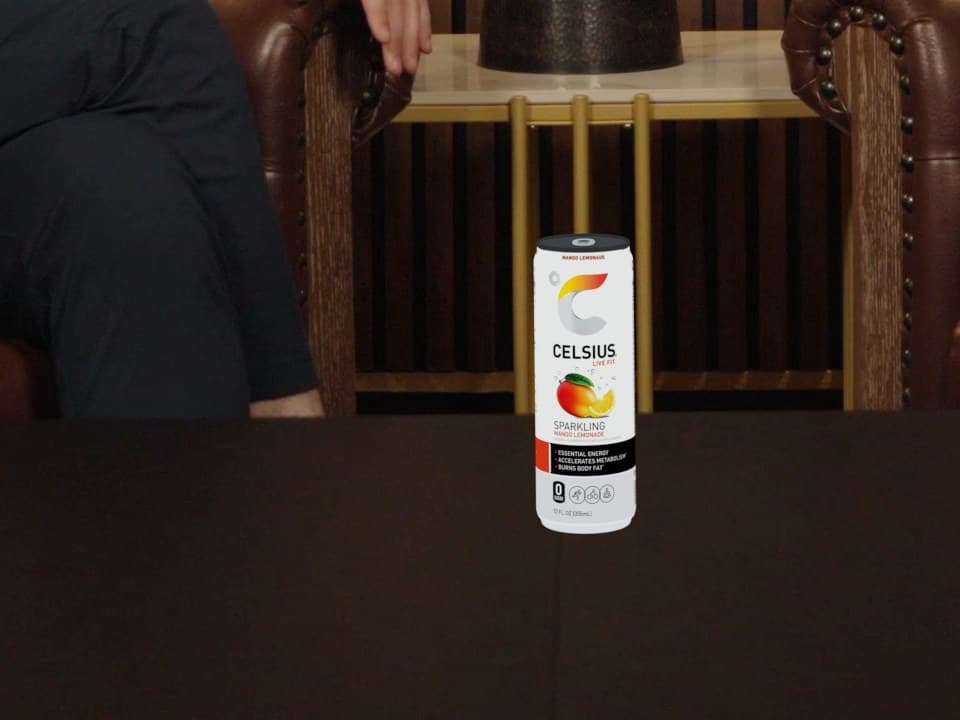
Product Lab measures the light at the exact spot the product will stand, from your own footage: where it comes from, how strong it is and what colour it is. The product is rendered in that light and casts its shadow onto the real surface, so under warm studio lamps it comes out warm, and beside a red light the side facing it turns red.

The finished frame: the lit can with its shadow darkening the wood under and beside it

Then its shadow on the real table: deepest just under the base, with a faint tail reaching away from the light, to the left. This is the frame that ships.

How it works

Three steps from episode to placement.

Pick the shot, place the product, export the result.

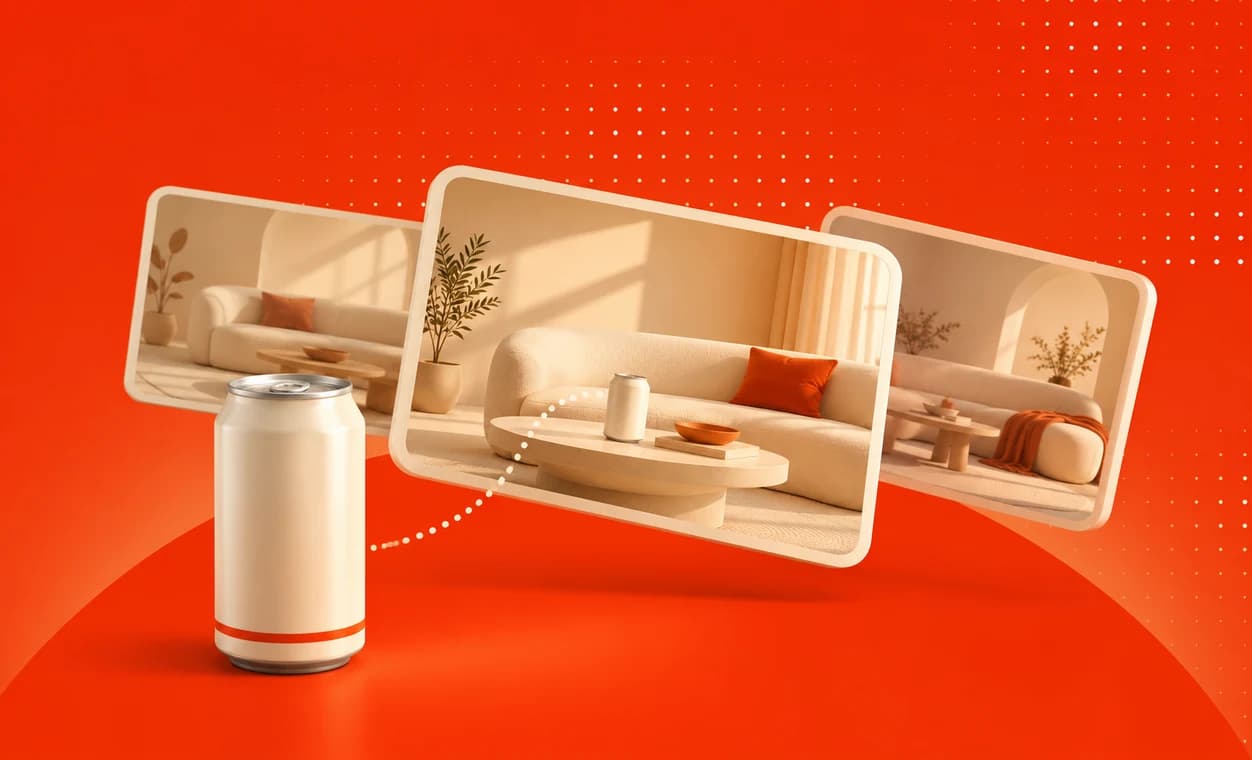
  1. A drinks can beside three scenes to choose from
    01

    Choose an episode and a product.

    Pick an episode from your library or import one from Frame.io, Dropbox, Google Drive or SharePoint, then choose a product or upload a new one.

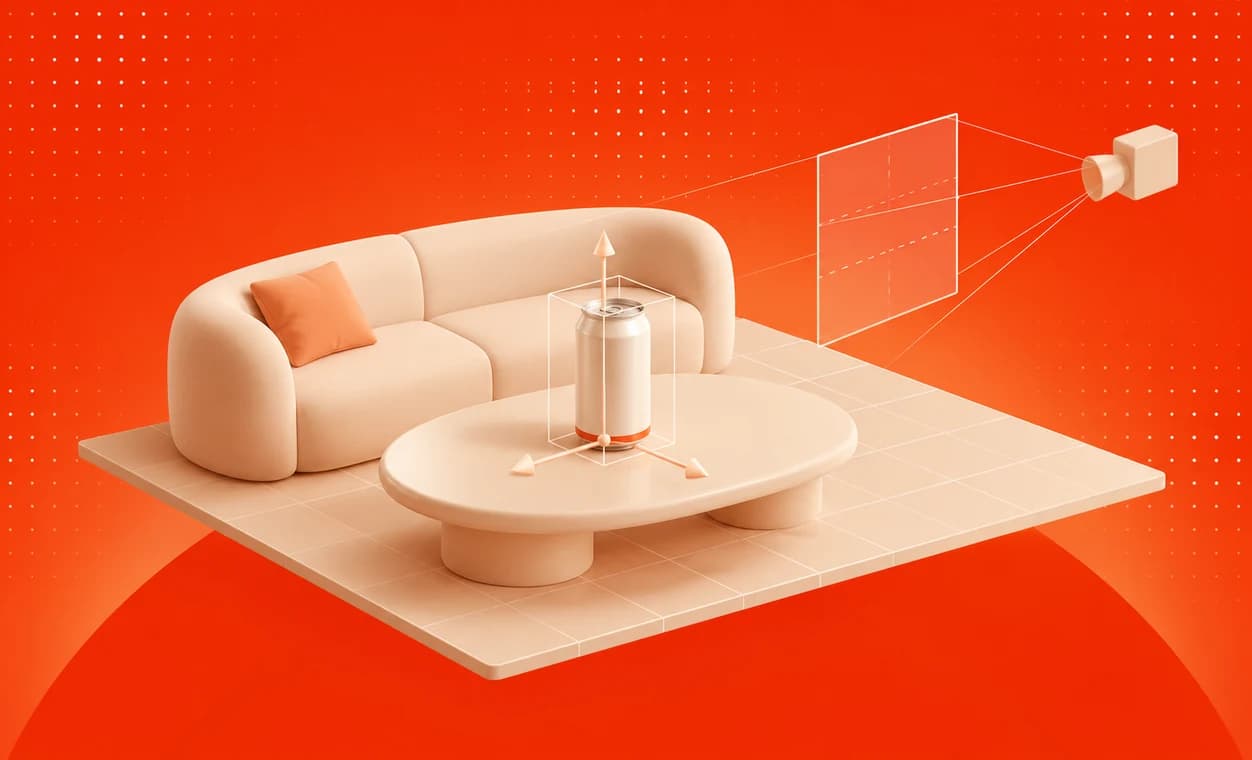
  2. A can on a table in a 3D scene, with move handles and a camera frustum
    02

    Position the product in 3D space.

    Find its place in the scene, then adjust the size and the angle.

  3. The finished scene with the can standing on the table
    03

    Get pixel-perfect results.

    Refine the result, then export your video.

Product Lab

See it on your own footage.

Book a demo and we’ll walk you through a placement, from the episode to the export.