On this page
- What do you need before you start?
- Step 1: Choose footage that can carry a product
- Step 2: Agree the spot and the brief with the brand
- Step 3: Position the product in 3D
- Step 4: Check light and shadow
- Step 5: Review the frames that matter
- Step 6: Export, then cut clips from the placed version
- Step 7: Disclose the placement
- What are the most common AI product placement mistakes?
- Frequently Asked Questions
To do AI product placement, pick a shot you already own with a stable surface in view, agree the product and its spot with the brand, position the product in a 3D reconstruction of the set, check that it takes the room's light and casts a shadow on the real surface, review the frames where anything crosses it, then export the video and disclose the placement where it is published.
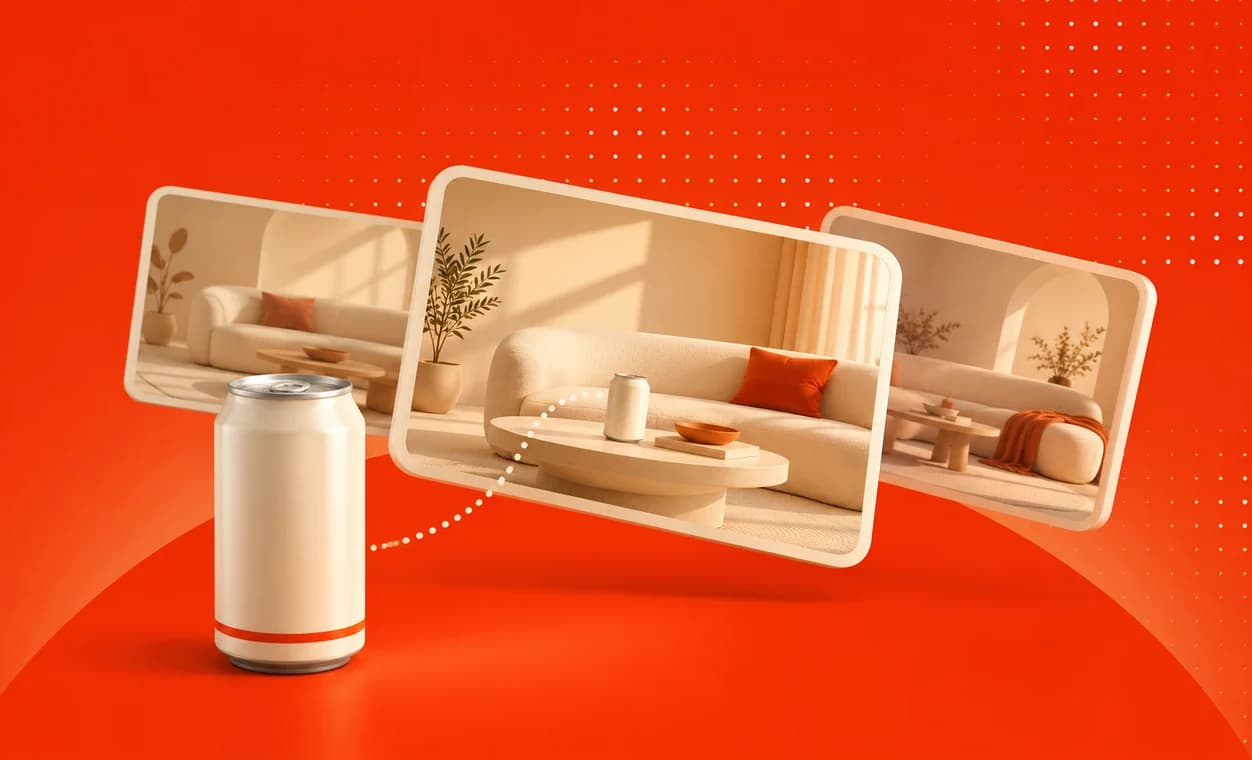
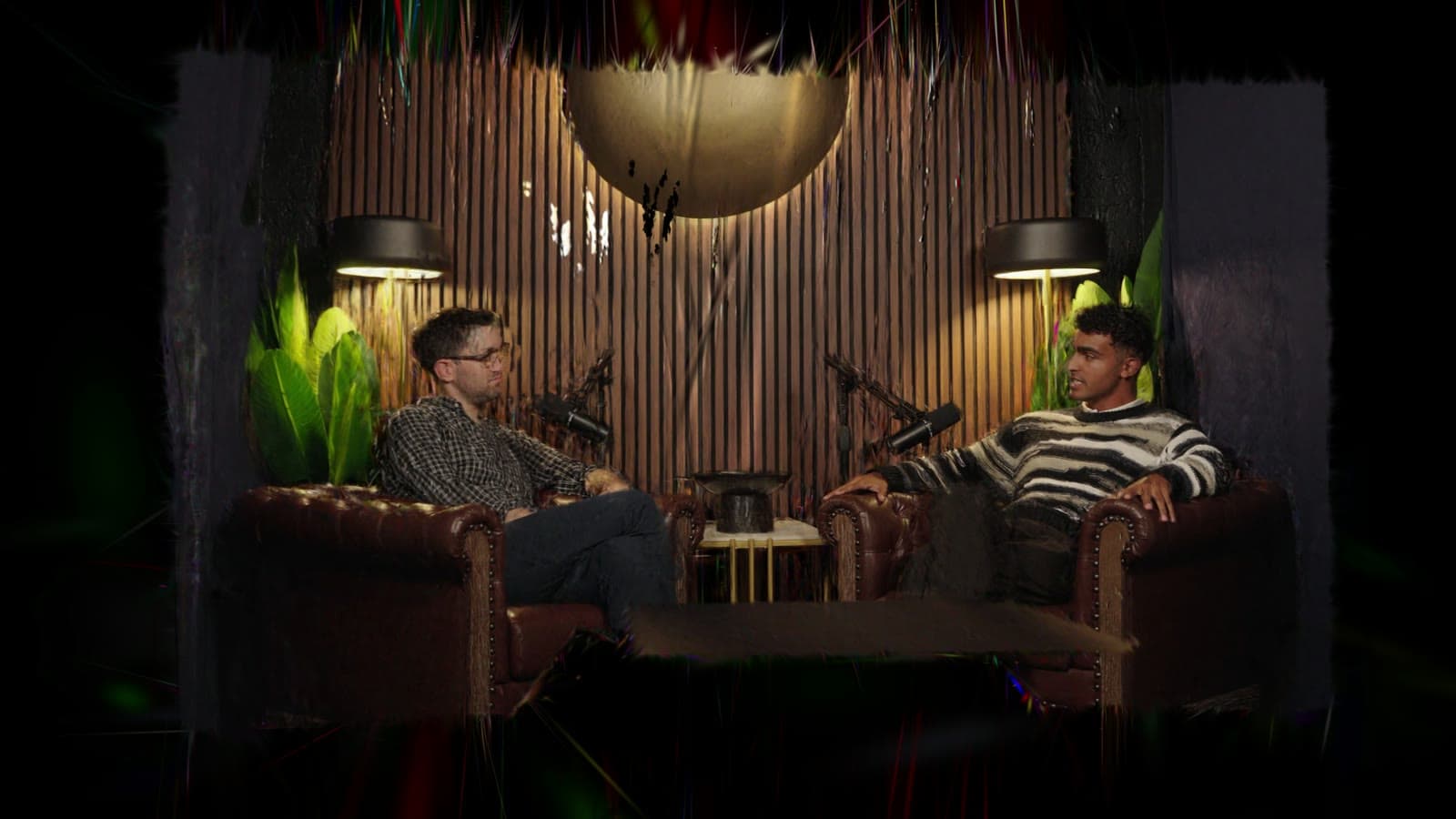
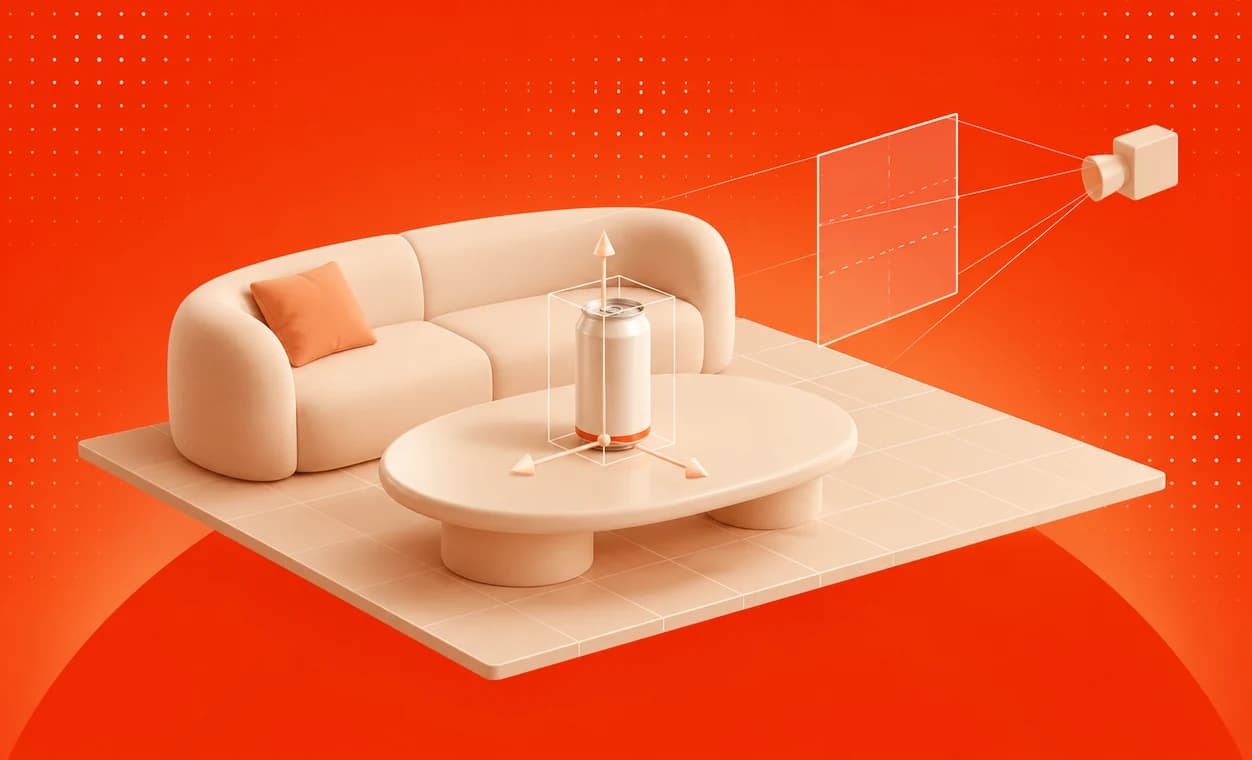
The fastest way to do the middle of that list is Overlap Product Lab. It takes three steps: choose an episode and a product, position the product in 3D space, then refine and export. Product Lab rebuilds the set in 3D from your footage and renders the product into the original frames with the room's light and shadows, so everything else in the shot stays as it was filmed. The rest of this guide covers what to decide before and after those three steps, which is where most placements are won or lost.
What do you need before you start?
Five things, and only the first is technical.
- The footage. Use the best copy you have. A placement is composited into the frames you supply, so a heavily compressed download gives the product nothing better to sit in.
- The product. In Product Lab, you choose a product already in your library or upload a new one.
- An approved spot. The brand should agree where its product appears, at what size and in which segment before anything is exported.
- The right to alter the footage. If you are placing into someone else's show, or a guest's appearance is covered by a release, check that the agreements allow a sponsor to be added after the fact.
- A disclosure plan. Decide how the placement will be labelled on each platform before it ships. AI product placement disclosure rules summarises what is required.
Step 1: Choose footage that can carry a product
Not every shot is a good placement. The best ones share four properties.
- A surface that stays in view. A desk, a table, a counter or a shelf that is visible for most of the segment. A spot that is on screen for two seconds is not worth selling.
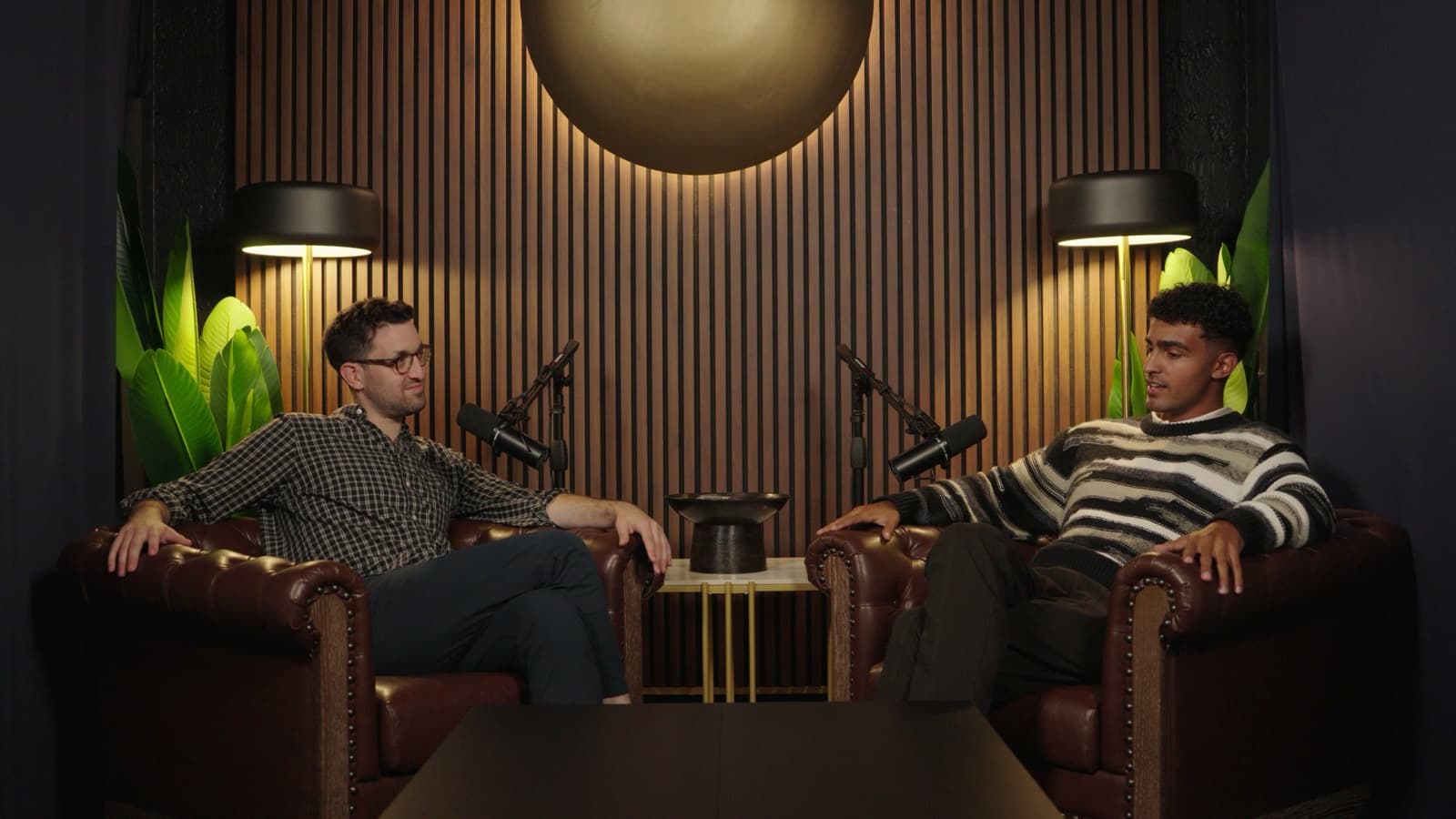
- A steady camera. Locked-off cameras, like most video podcast and interview setups, are ideal. Fast handheld movement leaves little stable ground to place on.
- A clear spot. Choose a place that hands, mugs and microphones do not cross every few seconds.
- Stable light. A set lit the same way throughout gives the product one environment to match.
Recurring sets are the best of all, because one good spot is inventory in every episode shot there. In Product Lab you can pick an episode from your library or import one from Frame.io, Dropbox, Google Drive or SharePoint.
Step 2: Agree the spot and the brief with the brand
Write a one-paragraph placement brief and get it approved before you open any tool. It should say:
- which episodes and which segments the product appears in;
- the surface and the position on it, for example "front left corner of the table, in the wide shot";
- roughly how prominent the product is, and which way the label faces;
- what it must not appear beside, such as a competitor's product or a segment about a sensitive subject;
- who signs off on the final frames.
Prominence is a negotiation. A product large enough to dominate the frame stops reading as part of the set and starts reading as an ad, which is usually worse for the brand as well as for the show. Real-world scale is the safest default.
Step 3: Position the product in 3D
This is the second of Product Lab's three steps: find the product's place in the scene, then adjust its size and its angle. Because the set has been rebuilt in 3D, the product stands on the real surface rather than being pasted over the picture, so it sits in the shot's perspective.
Two habits help here. Turn the product so its label faces the camera that carries most of the segment, not just the one you happen to be looking at. And keep it out of the area where people's hands land: a can at the edge of the table is in shot far more often than a can in the middle of it.
Step 4: Check light and shadow
Product Lab renders the product in the light it measures at that spot, including its direction, strength and colour, and casts its shadow onto the real surface. Your job is to check that the result agrees with the rest of the frame:
- Brightness. Is the product about as bright as the other objects on the same surface?
- Colour. Under warm lamps, does it come out warm, rather than a cold, neutral white?
- Direction. Is the side facing the strongest light the brightest side?
- Shadow. Does its shadow fall the same way as the shadows of the mugs, microphones and hands around it?
If all four agree, the product will read as part of the set. The How AI product placement works article shows what each of these looks like when it is missing.
Step 5: Review the frames that matter
You do not need to review every frame equally. Scrub to the moments most likely to break the illusion and check them carefully.
| Check | What to look for |
|---|---|
| Scale | The product is the size it would be on that surface |
| Contact | It stands on the surface rather than hovering over it |
| Light and colour | It matches nearby objects in brightness and warmth |
| Shadow | Its shadow agrees in direction with the other shadows |
| Crossings | Hands or people passing in front of it look right |
| Cuts | It is correct on every camera where its surface is visible |
| Label | The label is legible and the right way up |
| Context | Nothing said in the segment contradicts the brand |
| Sign-off | The brand has approved the final frames, not just the brief |
Step 6: Export, then cut clips from the placed version
The last of Product Lab's steps is to refine the result and export your video. Product Lab composites the product into the original frames at the source resolution, so the export matches the original everywhere except the product and its shadow.
Two practical points follow. First, keep the clean master. The unplaced original is what lets you sell the same spot again to another sponsor, for another market or after a deal ends. Second, cut your short-form clips from the placed export, not the original, so the product appears in every clip taken from those shots. If you clip with Overlap, an Overlap workflow can take the exported episode like any other source video.
Most platforms do not let you swap the file behind a post that is already live, so a placement in a published video usually goes out as a new upload or in new clips rather than as a silent replacement.
Step 7: Disclose the placement
A paid placement is advertising, whether it was on the set or added in post. Label it on every platform you publish to, using the platform's own paid-promotion setting where one exists, and say so in the description. AI product placement disclosure rules covers the FTC, Ofcom, the EU and the YouTube, TikTok and Instagram settings.
What are the most common AI product placement mistakes?
- Choosing a spot that leaves the frame. If the camera reframes or cuts away, the product disappears for most of the segment.
- Making the product too large. Oversized products read as ads and break the scene.
- Ignoring colour temperature. A cold, neutral product on a warm set is the single most common giveaway.
- No contact shadow. A product with no shadow hovers.
- Placing it in the wrong conversation. A product on the table while the hosts criticise its category helps nobody.
- Losing the clean master. Without the original, the spot cannot be sold again.
To try it on your own footage, book a Product Lab demo.
Frequently Asked Questions
What footage works best for AI product placement?
Footage with a surface that stays in view for most of the segment, a steady or locked-off camera, a spot that hands do not cross constantly and consistent lighting. Recurring sets such as video podcasts and studio shows are especially well suited.
Can I add a product to a video I have already published?
You can place a product into the footage, but most platforms do not let you replace the file behind a live post. The placed version usually goes out as a new upload, a re-release or as new short-form clips cut from the placed export.
Should I place the product before or after cutting clips?
Before. Place the product in the full episode, export it, then cut short-form clips from the placed version so that every clip taken from those shots carries the product. Keep the unplaced master so the spot can be sold again later.
How do I make a placed product look realistic?
Place it on a real surface at real-world scale, light it with the light measured in the room, cast its shadow onto the surface, keep it out of the area hands cross most often and check it on every camera where it is visible.
How do you do product placement with Overlap Product Lab?
Overlap Product Lab has three steps. Choose an episode from your library or import one from Frame.io, Dropbox, Google Drive or SharePoint, and choose or upload a product. Position the product in 3D space and adjust its size and angle. Then refine the result and export your video.