On this page
- Stage 1: How does AI rebuild a set from video?
- Stage 2: How is the product positioned?
- Stage 3: How does AI match a product to the room's lighting?
- Stage 4: Why does a placed product need a shadow?
- Stage 5: How is the product composited back into the footage?
- What happens after the render?
- Frequently Asked Questions
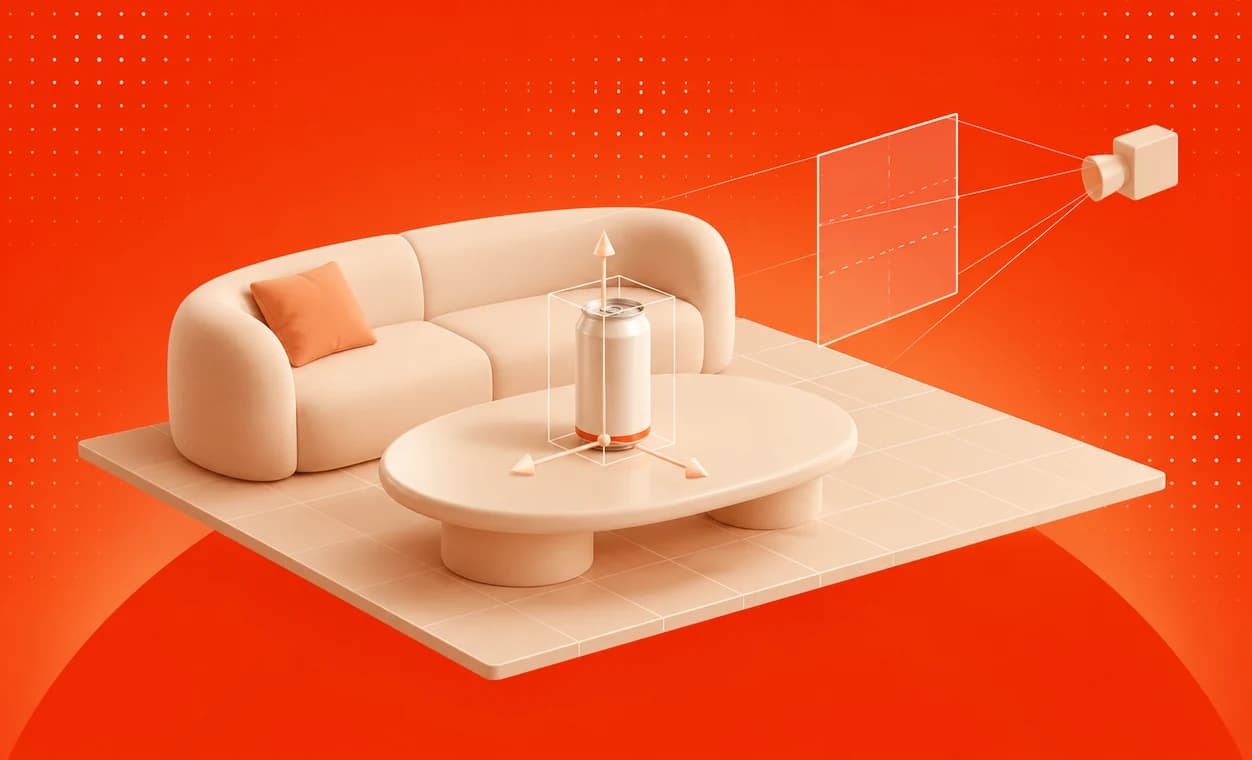
AI product placement works by treating a finished shot as a place rather than a picture. The software reconstructs the set in 3D from the footage, the product is positioned inside that reconstruction on a real surface, it is lit with the light measured in the room, its shadow is cast onto the real surface, and the result is composited back into the original frames. Done properly, the product and its shadow are the only pixels that change.
That sequence is how Overlap Product Lab places a product: it rebuilds the set in 3D from your own footage, renders the product in the room's own light and shadow, and composites it into the original frames at the source resolution, so the people, the set and the grade stay exactly as you shot them. This article goes through the stages one at a time, using Product Lab's own renders of one frame, a can on the table of a two-camera podcast set, as the worked example.
| Stage | What happens | What it looks like when skipped |
|---|---|---|
| 1. Rebuild the set | The room is reconstructed in 3D from the footage | The product is pasted on a flat frame and does not sit in perspective |
| 2. Position the product | The product is placed on a real surface, then sized and angled | Wrong scale, floating, or facing the wrong way |
| 3. Light it | The room's light is measured at the product's spot and applied to it | Evenly bright, neutral and obviously added |
| 4. Shadow it | The product casts its shadow onto the real surface | The product hovers instead of standing |
| 5. Composite it | The product and shadow go back into the original frames | The whole shot is re-rendered and drifts from what was filmed |
Stage 1: How does AI rebuild a set from video?
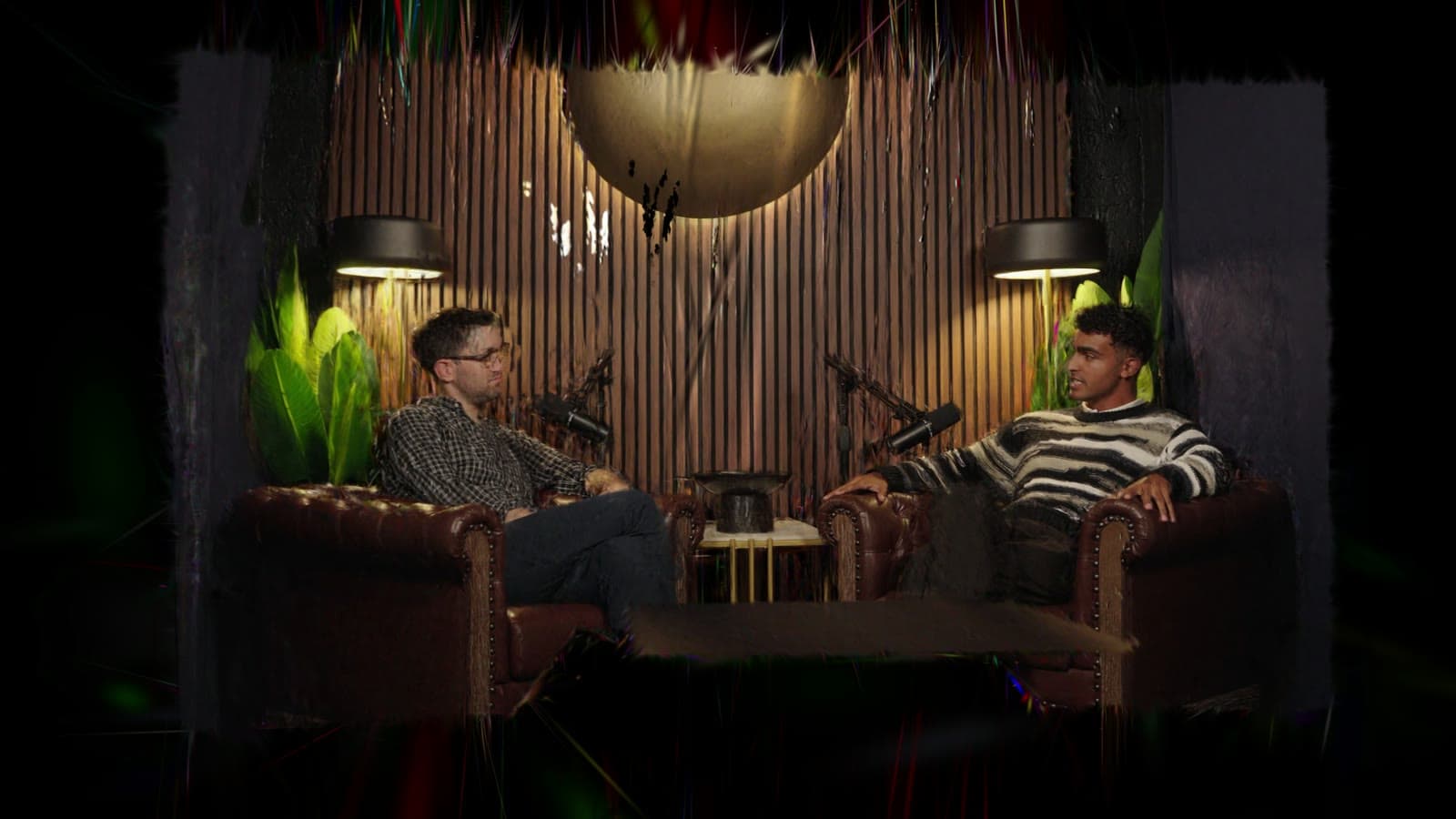
Before anything is placed, the software needs to know what the room is: where the table is, how far it is from the camera, which way the walls run and where the light falls. That is a 3D reconstruction of the scene, built from the footage alone. Product Lab calls it the world model, and it reconstructs the table, the chairs, the walls and the light falling on them.
The reason to reconstruct at all, rather than working on the flat image, is that a product is a solid object. A poster on a wall can be tracked as a flat plane, but a can on a table has a top and sides, sits in the table's perspective and has to stay planted there as the picture changes. Placing it in 3D is what makes those properties come for free. On the Product Lab page, the world-model clip opens on the wide shot, moves into the rebuilt set and travels to the position of the close-up camera.
The reconstruction is also what makes the other four stages possible. Light can only be measured at a spot, and a shadow can only fall on a surface, if the software knows where that spot and that surface are.
Stage 2: How is the product positioned?
With a 3D scene to work in, positioning is closer to set dressing than to editing. In Product Lab, you find the product's place in the scene, then adjust its size and its angle. Because it is placed on a real surface at real scale, rather than pasted over a frame, the product keeps its relationship to the table as it would if a props assistant had put it there.
The decisions at this stage are editorial rather than technical, and How to do AI product placement covers them: which surface, how prominent, which way the label faces, and whether anything crosses in front of it.
Stage 3: How does AI match a product to the room's lighting?
Lighting is where most placements fail, and the example shows why. Rendered straight from its 3D model, the can stands on the table at the right size and angle, but in none of the room's light. It is evenly bright, neutral white and casts no shadow, and it reads as pasted on.
Product Lab measures the light at the exact spot the product will stand, from the footage: where it comes from, how strong it is and what colour it is. Rendered in that light, the same can comes out less than half as bright and warmer, and brighter on its right, the side facing the room's strongest light. None of those changes is a creative choice. Each is what a real can on that table would have looked like under those lamps.
Because the measurement includes colour, the effect carries to any set. Under warm studio lamps, a product comes out warm. Beside a red light, the side of the product facing it turns red.
Stage 4: Why does a placed product need a shadow?
A shadow is the strongest single cue that an object is resting on a surface. Without one, even a well-lit product looks as though it is hovering a few millimetres above the table, which the eye catches long before it catches a lighting error.
In the worked example, the can's shadow falls on the real table: deepest just under the base, with a faint tail reaching away from the light, to the left. On a dark wood surface that is a subtle change in brightness, but it is the difference between a can on a table and a can in front of one. That frame, with the light and the shadow, is the one that ships.
Stage 5: How is the product composited back into the footage?
The last stage puts the rendered product and its shadow back into the original frames. Product Lab composites them at the source resolution, and nothing outside the product and its shadow is regenerated. The people, the set and the grade are the pixels the camera recorded.
That is the stage that separates placement from generative video. A model that makes the whole frame again can add a product to a scene, but every other pixel in the frame is a new prediction too: faces, hands, labels and lighting all drift a little from the original. Compositing only the product means the rest of the shot cannot drift, because it is not touched. Why generative video models change the rest of the shot compares the two approaches.
The Product Lab page shows this directly: a slider over the same take with and without the can, where the can and its shadow are the only change.
What happens after the render?
Once the placement looks right, it is refined and exported as video. Product Lab's three steps are exactly that order: choose an episode and a product, position the product in 3D space, then refine and export. The exported video is the finished episode, so the placement travels into anything cut from those shots, including short clips.
Three checks still belong to a person, whatever the tool:
- Frames where something crosses the product. A hand reaching across the table, or a guest leaning forward, is where a placement is most likely to look wrong.
- The cut. If the edit changes camera often, check the product on every camera where its surface is visible.
- Context. Software can light a product correctly in a segment where the hosts are criticising its category. Only a person can notice that.
Frequently Asked Questions
Does AI product placement use 3D models?
Typically, yes. A convincing placement renders the product as a 3D object inside a 3D reconstruction of the scene, which is what lets it sit in the shot's perspective, take the room's light from the correct side and cast a shadow onto a real surface.
How does AI product placement match the lighting of a scene?
It measures the light in the footage at the spot where the product will stand, including the direction, the strength and the colour, and renders the product in that light. A product placed under warm lamps comes out warm, and the side facing the strongest light comes out brightest.
Why do placed products need shadows?
A shadow on the surface is the cue that tells a viewer the object is resting there. Without one, a product looks as if it is hovering slightly above the table, even when its lighting is correct, and the placement reads as added.
Does AI product placement re-render the whole video?
It should not, and that is the main difference from generative video. A placement tool composites only the product and its shadow into the original frames, so every other pixel is the one the camera recorded. Generative models produce the whole frame again.
How does Overlap Product Lab place a product?
Overlap Product Lab rebuilds the set in 3D from the footage, lets you position the product on a real surface and adjust its size and angle, renders it in the light measured at that spot with its shadow on the real surface, and composites it into the original frames at the source resolution.