On this page
- How does a generative video model edit a clip?
- What changes when a generative model adds a product?
- What do the generative video tools say they change?
- Why does that rule it out for product placement?
- Can masking or inpainting fix it?
- When is a generative model the right tool?
- How can you test whether a tool changed the rest of the shot?
- Frequently Asked Questions
Generative video models, the diffusion models and the video-to-video editors built on them, can put a product into a scene. They do it by producing the whole frame again. Every pixel that comes out is the model's prediction, including the ones nobody asked it to touch: the host's face, their hands, the label on the product, the set behind them and the grade. For an ad made from nothing, that is the point. For product placement, where the whole value is that the footage is exactly what was filmed with one object added, it is disqualifying.
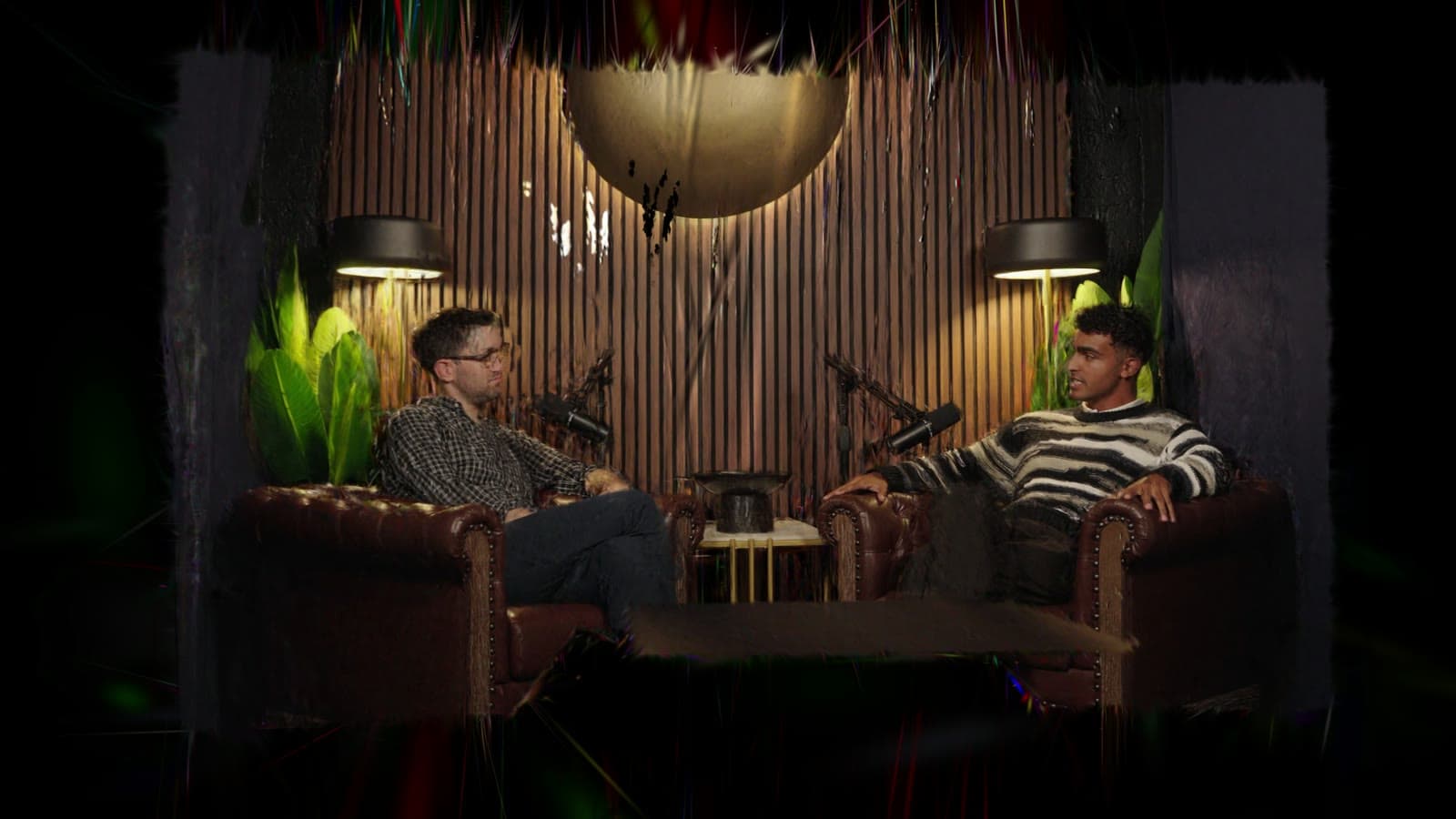
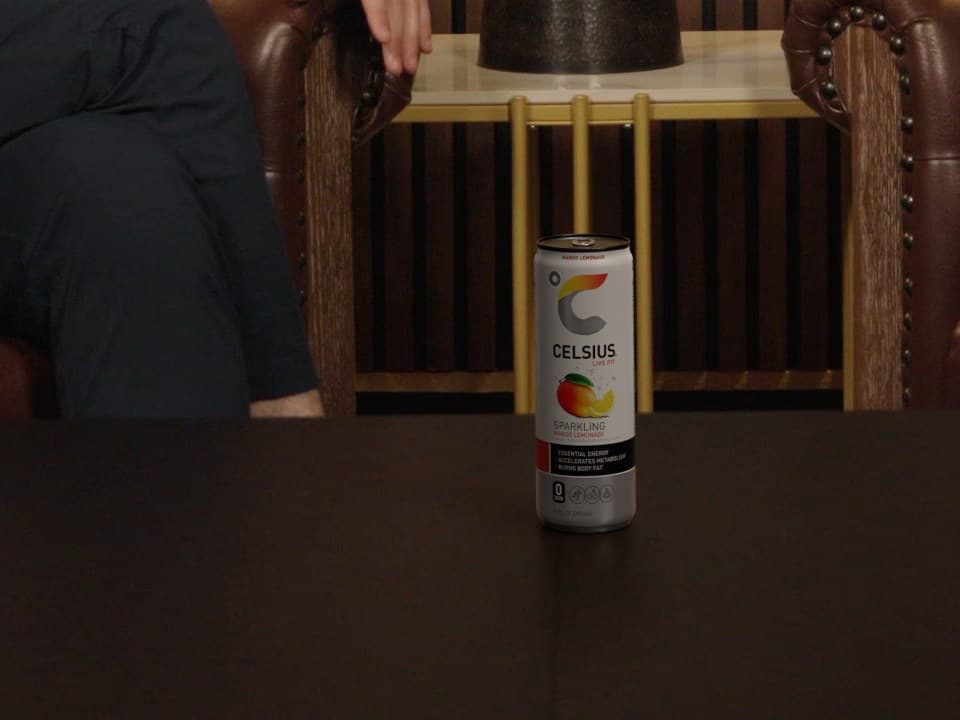
Overlap Product Lab works the other way round. It rebuilds the set in 3D from your footage, renders the product in the light measured at its spot with its shadow on the real surface, and composites it into the original frames at the source resolution. Nothing outside the product and its shadow is regenerated, so the people, the set and the grade stay exactly as you shot them. On the Product Lab page, the same take is shown with and without the can, and the can and its shadow are the only change. Compared frame by frame across the whole 181-frame take, the original and the placed version differ only in a window around the can and its shadow.
This article is published by Overlap, which makes Product Lab. Statements about other products are drawn from those vendors' own pages, which are linked where they are cited.
How does a generative video model edit a clip?
A video-to-video model does not edit pixels in place. It compresses the input into a latent representation, generates a new latent under the guidance of a prompt or a reference image, and decodes that back into frames. Two things change the footage along the way, and neither is a bug.
- The round trip itself. The compression is lossy. Fine texture, small text, the edge of a face and the grain of the original come back as the decoder's reconstruction of them, not as the camera's pixels.
- The generation. Within the constraint of the prompt, the model is free to produce anything plausible. If the instruction is "add a can of soda to the table", the table, the hands near it and the light on it are all generated too, because the model has no separate notion of "leave this alone".
That is why the output of a generative edit is a new video that resembles the input, rather than the input with one change.
What changes when a generative model adds a product?
The differences are often small frame by frame, which is what makes them easy to miss in a demo and hard to ship in a finished episode.
- Faces and identity. Expressions, skin and features are re-synthesised. A host can look subtly unlike themselves, and the change can vary from second to second.
- Mouths and hands. Lip movements drift from the audio, and fingers are among the hardest things for any model to keep consistent.
- Text and labels. Small type is where models fail most visibly, and that includes the product's own label. A brand's packaging is approved artwork. A generated label is the model's impression of it.
- The set. Objects on the table, the pattern on the wall and the books on a shelf are re-generated and can shift, merge or flicker.
- The light and the grade. The colour of the whole frame is predicted again, so a graded episode can come back with a slightly different look.
- Continuity. Each generation is independent. The product, and everything around it, can come out differently on the wide shot and the close-up, or in two halves of the same segment.
- Length and resolution. Generative edits work on clips. A placement in an hour-long episode at its original resolution is a different job from a few seconds of generated video.
What do the generative video tools say they change?
Several vendors now say their editors leave everything else alone. Runway says Aleph 2.0 changes "only what you want to change". Pika says of Pikadditions that "everything else remains exactly the same". Google described inserting objects in Flow "without changing anything else". Those are claims about output, and they are exactly what the difference test at the end of this article checks. Run it on your own footage before relying on them.
Two other limits come straight from the vendors' own pages and need no testing: how long a clip each tool edits, and at what resolution.
| Tool | Longest edit | Output resolution |
|---|---|---|
| Runway Aleph 2.0 | Clips up to 30 seconds | 1080p |
| Pika Pikadditions | 5 or 10 seconds of output | 720p or 1080p |
| Google Flow | Segments of up to 10 seconds; uploads over 30 seconds must be trimmed | Not stated |
| Adobe Firefly video editor | Uploads of 5 to 20 seconds | Not stated |
Sources, checked October 27, 2026: Runway, Pika, Google Flow Help and Adobe.
An hour-long episode is 3,600 seconds. At 30 seconds a pass, placing a product through one ten-minute segment takes twenty separate generations, each made independently of the others, so the product and everything around it can differ at every seam. And a 4K master comes back at 1080p at best from the two tools that state a maximum.
Why does that rule it out for product placement?
Because each of those changes lands on someone who has a reason to object.
- The talent. A paid placement that re-synthesises a person's face is no longer the footage they appeared in. A guest release covers the recording, not a generated likeness of the guest. It also moves the video toward what platform rules on synthetic media were written for: YouTube asks creators to disclose realistic altered or synthetic content, and its examples include replacing faces or synthetically generating voices for realistic representations of people. YouTube Help
- The brand. A sponsor is paying for its real product, at its approved packaging, in front of an audience. A product the model has redrawn is not that product.
- The content owner. The episode has to remain the episode: same people, same words, same grade, at the quality it was published at.
- The audience. A viewer who notices a host's face shifting does not think "product placement". They think the video has been faked.
Product placement asks for one new object and a guarantee about everything else. A model that regenerates the frame cannot make that guarantee, however good its output looks.
| Generative video-to-video | Overlap Product Lab | |
|---|---|---|
| What is generated | The whole frame | Only the product and its shadow |
| People | Re-synthesised | As filmed |
| The product | The model's rendering of a prompt or reference | Rendered from the product's 3D model |
| Light on the product | Inferred by the model | Measured from the footage at the product's spot |
| Shadow | Whatever the model generates | Cast onto the real surface |
| The rest of the shot | A reconstruction of the original | The original pixels |
| Output resolution | The model's output resolution | The source resolution |
Can masking or inpainting fix it?
Partly, and it is worth being precise about how. Some tools let you paint a mask over the area to change. If the tool then pastes the original pixels back everywhere outside the mask, the rest of the frame is preserved, and the tool is now doing compositing, the approach this article argues for. If it does not, the frame still goes through the model and comes back reconstructed.
Inside the mask, the problems remain. The product is still generated rather than rendered from its real artwork, so the label can drift. Its light is still inferred rather than measured. And a product's shadow falls outside the product: a mask tight enough to protect the table cuts the shadow off, and a mask loose enough to include the shadow regenerates more of the table. A product with no shadow, or with a regenerated patch of table around it, is exactly the giveaway a placement exists to avoid.
When is a generative model the right tool?
When there is no original to protect. Generative video is the right choice for concept work and storyboards, for ads whose entire scene is new, for exploring how a product might look in a setting before anyone shoots it, and for B-roll that never existed. In each case, changing every pixel is the job.
It is the wrong choice when the footage has to remain the footage: an episode, an interview, a show with real people in it that a sponsor wants to appear in. That is product placement, and it is a compositing problem. How AI product placement works explains the five stages a compositing pipeline goes through.
How can you test whether a tool changed the rest of the shot?
Do not judge it by eye on a phone. Export the original and the placed version at the same resolution and frame rate, and subtract one from the other. Everything that did not change comes out black; everything that did comes out as light.
ffmpeg -i original.mp4 -i placed.mp4 -filter_complex "[0:v][1:v]blend=all_mode=difference,format=gray" -an difference.mp4
Two cautions. First, both files must be the same length and aligned to the same first frame, or the whole picture will light up. Second, two separately compressed exports will differ slightly everywhere because of the compression, so judge the pattern: faint even noise across the frame is the codec, while a face, a hand or an object outlined in light is a change. A compositing tool should leave a dark frame with the product and its shadow standing out. A generative edit will light up the people and the set as well.
To see the result on your own footage, book a Product Lab demo.
Frequently Asked Questions
Can diffusion models do product placement?
They can add a product to a scene, but they do it by generating the whole frame again, so the people, the set, the product's label and the lighting all change slightly from the original. Product placement in existing footage needs the rest of the shot left exactly as filmed, which is a compositing problem rather than a generation problem.
Why do AI video editors change faces and backgrounds?
A generative video model compresses the input, generates a new version under a prompt and decodes it back into frames. Every pixel in the output is the model's prediction, including the ones the prompt did not mention, so faces, hands, text and backgrounds come back as reconstructions rather than the original pixels.
What is the difference between generative video and compositing?
Generative video produces new frames, so everything in them is synthesised. Compositing renders a new element separately and layers it into the original frames, so only that element and its shadow change and every other pixel is the one the camera recorded.
Can inpainting add a product to a video without changing the rest?
Only if the tool pastes the original pixels back outside the masked area, which is compositing. The product inside the mask is still generated rather than rendered from its real artwork, its light is inferred, and its shadow tends to fall outside a tight mask or to regenerate the surface around a loose one.
How do you check whether an AI edit changed the rest of a video?
Export the original and the edited version at the same resolution and frame rate and subtract one from the other, for example with the FFmpeg blend filter in difference mode. Unchanged areas come out black, so any face, hand or object outlined in light was changed.
How does Overlap Product Lab avoid changing the rest of the video?
Overlap Product Lab does not regenerate the frame. It rebuilds the set in 3D from the footage, renders the product in the light measured at its spot with its shadow on the real surface, and composites only the product and its shadow into the original frames at the source resolution.